
This guide explains how to review and approve savings milestones that have been submitted for approval.
Where to Find Milestones Requiring Approval:
Navigate to Savings and open the relevant savings record.
Select the Milestones tab.
Locate milestones with a status of Pending Approval.
How to Approve or Reject a Milestone:
In the Actions column, select the option to review the milestone.
A confirmation modal will open.
Choose one of the following:
Approve Milestone to confirm completion
Reject Milestone to decline the submission
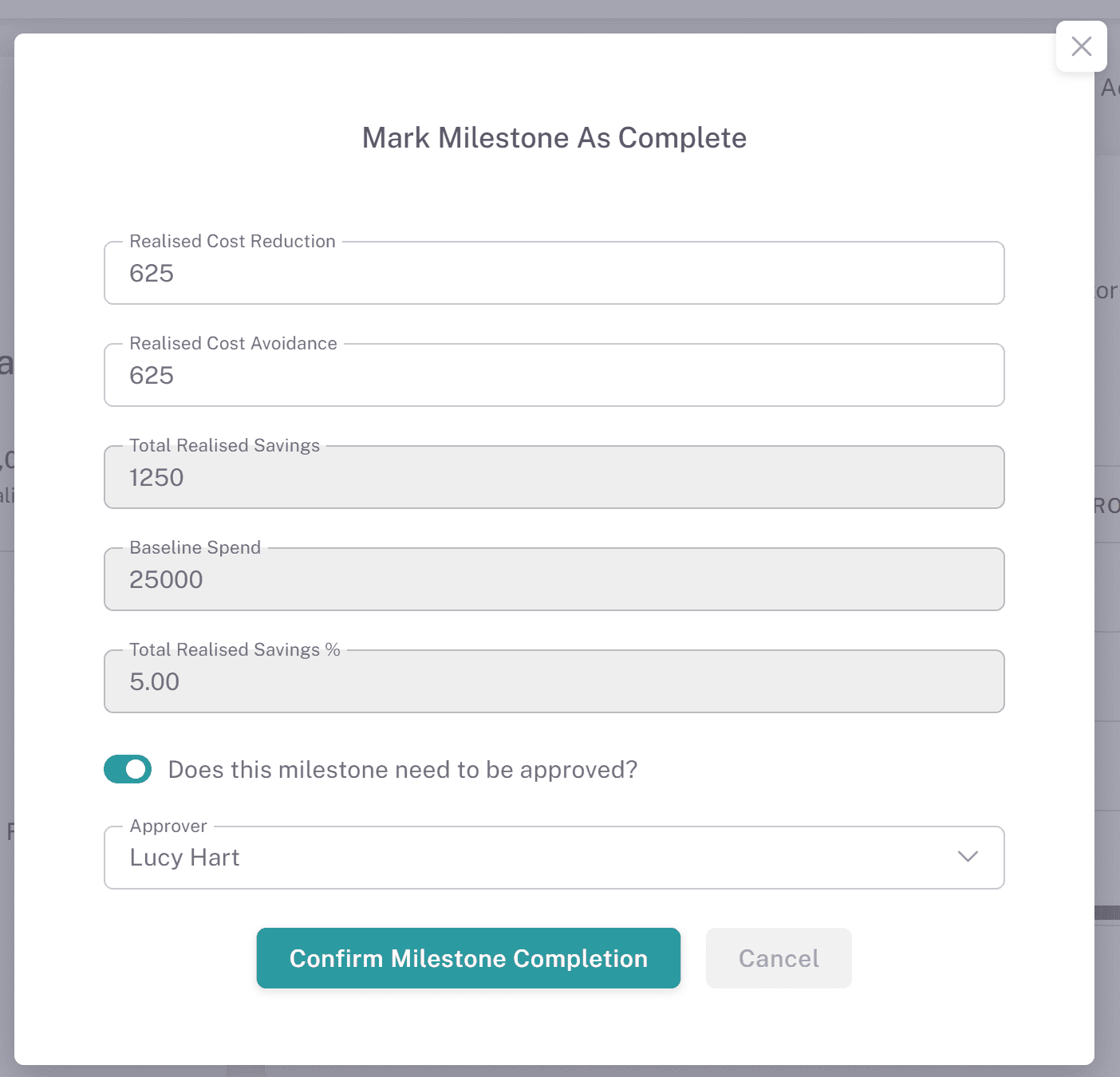
Rejecting a Milestone:
If rejecting, you will be prompted to enter a reason.
Provide a clear justification and confirm the action.
The milestone status will update to Rejected.
What Happens Next:
If Approved:
The milestone status changes to Completed
The value is included in realised savings totals
If Rejected:
The milestone remains visible with a Rejected status
It can be updated and resubmitted for approval
Notifications:
Once a decision is made, notifications are sent to the milestone creator and relevant savings owners.
Tracking Approvals:
All approval and rejection actions are recorded in the Approval Log for audit purposes.
Why This Matters:
Approving milestones ensures that savings are validated before being counted, maintaining accuracy and accountability across your savings tracking.