
Managing your invoices is an important part of keeping track of your organization's expenses. This guide will walk you through the process of viewing and downloading your invoices using our Stripe customer portal.
Viewing your invoices
1. Access Account Management: Go to the "Settings" menu on the left-hand main menu and select "Account Management."

2. Manage Billing: Click on the "Manage billing" button. You will be redirected to the customer portal hosted by Stripe.
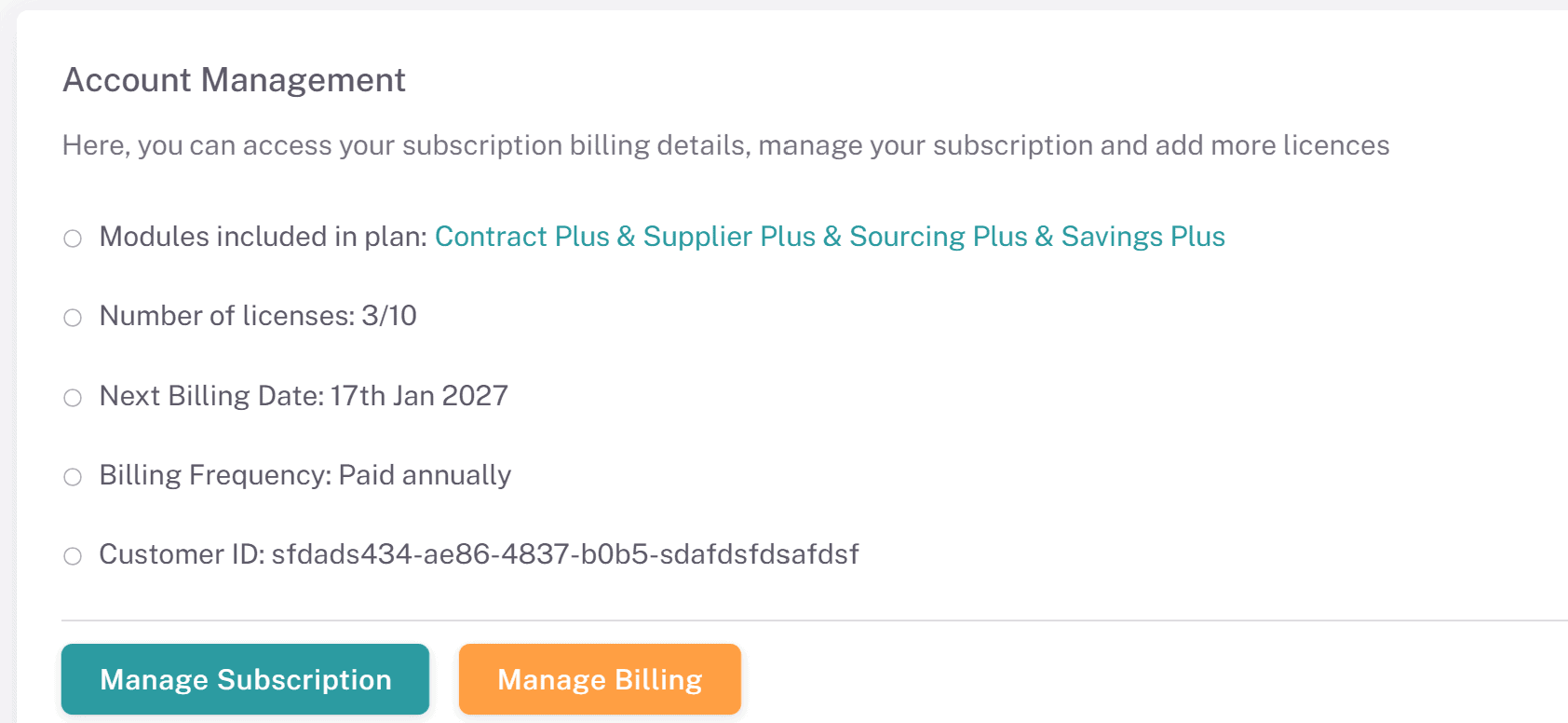
3. Login to Stripe Customer Portal: The user who originally signed up for your organizations account is typically responsible for managing your organization’s billing as they will automatically be assigned as the Primary user. Your organizations primary user is shown under the Account Management page:
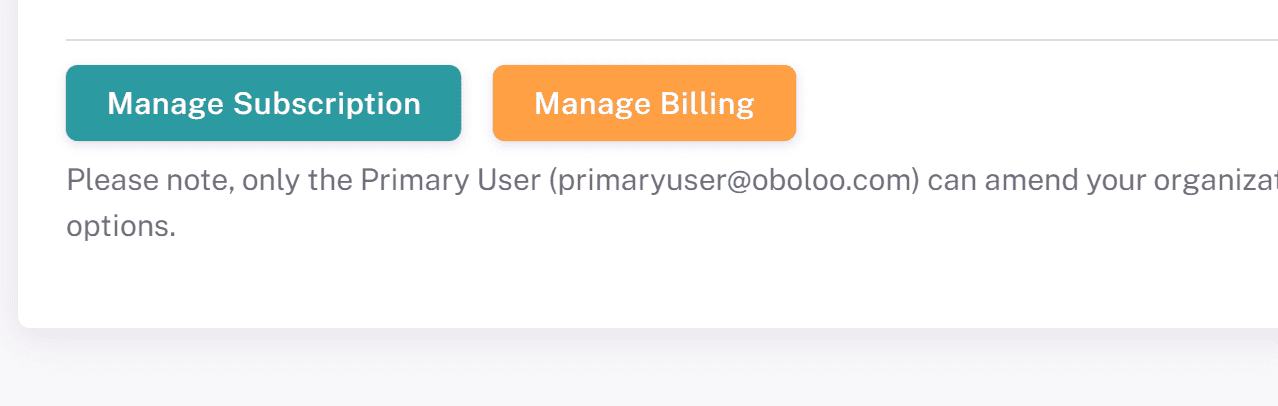
Input the primary user's email address into the Stripe customer portal. A login link will be sent to that email address. Click the link to access the portal.
Find out more about primary users and how to update them here.

4. View Invoices: On the home page of the Stripe customer portal, you will find a section where you can view your invoices.

5. Download Invoices: You can view and download historic invoices directly from this page for your records and accounting purposes. Simply click on the invoice line item and your invoice will open on a new tab where it can be viewed or downloaded.

Important Notes
Primary User Requirement: Only the email of the user who originally signed up for the trial can access the customer portal. If you need to change the primary user on the account, please reach out to support. Find out more about primary users and how to update them here.
Invoice Records: Ensure you regularly download and store your invoices for accurate record-keeping and financial management.
Security: All invoice information is securely managed within the Stripe customer portal.
Support
Help Center: Access the Help Center from the menu for articles and FAQs.
Customer Support: If you need further assistance or need to change the primary user on the account, contact our support team via the chat widget on the bottom right corner of the screen or email us at oboloo.com/contact-us
Viewing and downloading your invoices in oboloo is designed to be simple and secure. Keeping track of your invoices helps maintain accurate financial records for your organization. If you have any questions or need assistance, our support team is here to help.
If you need further assistance, please contact your internal platform administrator for support. Otherwise please reach out to oboloo's support team. If you are unable to view the above area in the oboloo platform, please check your user permissions and access rights.