
Automated notifications are system-generated alerts that tell you when something needs your attention — a contract approaching expiry, a supplier document about to lapse, a sourcing deadline closing in.
They are triggered by events and dates within the platform, are pre-configured, and cannot be edited or switched off by users. That is deliberate: it means every organisation on oboloo gets the same reliable set of alerts, and nobody misses a renewal because someone turned a reminder off.
If you need an alert that oboloo does not generate automatically, create a Custom Notification instead.
When to Use This Feature
When you want to understand which events oboloo will alert you about automatically.
When you are not receiving an alert you expected, and need to check whether one exists for that event.
When deciding whether a reminder needs to be set up manually as a custom notification.
When working out why a colleague received a notification and you did not.
Who Receives Automated Notifications
Notifications follow record ownership. All designated owners of a record receive the automated notifications relevant to it. If you are not an owner of a record, you will not receive its alerts.
This is the single most common reason someone does not get a notification they were expecting. If a colleague needs visibility of a supplier, contract, sourcing activity or savings record, add them as an owner.
Notifications are also filtered to the logged-in user and the module they are working in, so what you see is relevant to you rather than a feed of everything happening across the organisation.
Where Notifications Appear
Automated notifications reach you in five places.
Location | What it shows |
|---|---|
Every notification is emailed, so you are told even when you are not logged in. | |
Bell icon | Top right of every page. Recent notifications across all modules, for a quick check. |
Module pages | Notifications relevant to the module you are in — Supplier Management, Contract Management and so on. |
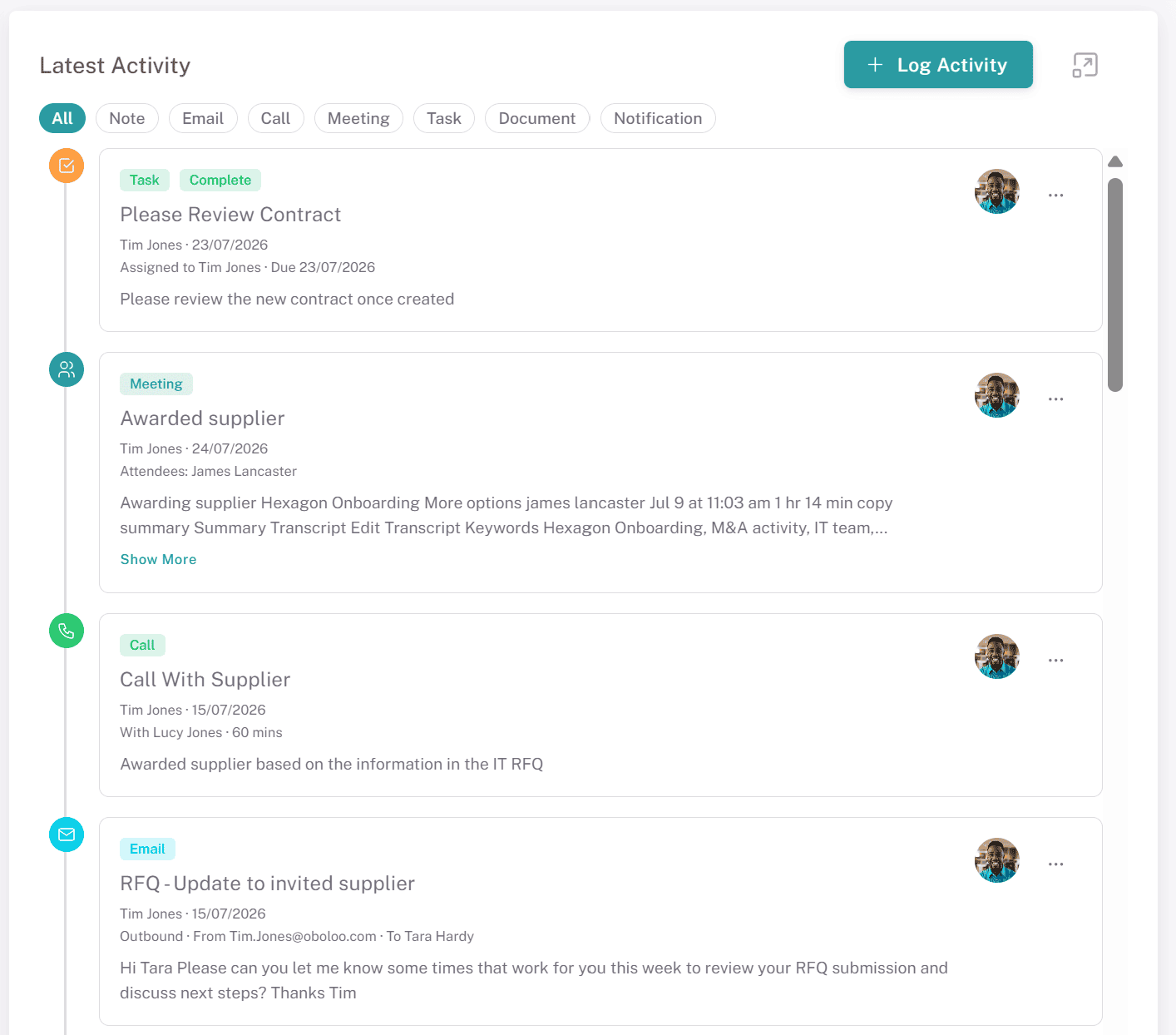
Latest Activity tab on a record | Notifications for that specific record, shown in the timeline alongside notes, emails, calls and tasks. Use the Notification filter chip to see system events on their own. In eSourcing this tab is named Overview. |
Your Profile page | Everything sent to you, with a filter to sort by module. |


Automated Notifications by Module
Below is a list of all module-specific notifications in oboloo. Each table provides the notification type, example message, and detailed description.
Supplier Management Notifications
Contract Management Notifications
Sourcing Module Notifications
Savings Module Notifications
Automated or Custom?
Automated notifications are built into oboloo. They fire on platform events and dates, go to record owners, and cannot be changed.
Custom notifications are created by you against a specific record, on a date you choose, with your own message. They can be set to repeat monthly, quarterly or annually. Use them for anything the automated set does not cover — a supplier review, a check-in, a deadline that only your organisation cares about. See Custom Notifications.
Key Considerations & Best Practices
✅ Assign owners deliberately — Ownership is what drives notifications. A record with the wrong owners sends alerts to the wrong people.
✅ Assign more than one owner — A single owner means a single point of failure when someone is on leave.
✅ Check the Latest Activity tab when investigating — It shows every notification sent for that record in date order, which is the fastest way to establish what was sent and when.
✅ Fill in expiry and key dates — Most automated notifications are triggered by dates on the record. A contract with no end date generates no renewal reminders.
✅ Use custom notifications to fill the gaps — If something matters to your organisation and oboloo does not alert on it, set it up yourself rather than relying on memory.
Additional Resources
📌 Related User Guides:
Custom Notifications – Creating your own alerts against a record.
Latest Activity – The record timeline where notifications appear.
Supplier Owners – Assigning responsibility, and therefore notifications, for a supplier.
Contract Owners – Assigning responsibility for a contract.
Sourcing Owners – Assigning responsibility for a sourcing activity.
Savings Owners – Assigning responsibility for a savings record.
Adding or Updating Your Profile Picture – Your Profile page, where all notifications are listed.
If you need further assistance, please contact your internal platform administrator for support. Otherwise please reach out to oboloo's support team. If you are unable to view the above area in the oboloo platform, please check your user permissions and access rights.